


Online AI Tools Checklist for Small Business 2026
Finding the right online AI tools can quickly transform how small businesses operate, market, and grow in 2026. The sheer number of AI solutions available makes it difficult to know where to start, so it helps to follow a clear process for evaluating and choosing the best fit for your needs.
Essential Steps in Choosing AI Tools for Small Businesses
This high-level checklist walks you through a proven path to discovering and leveraging AI efficiently:
- Define your core business challenges and match them with practical AI use cases
- Use structured directories like PerfectStack.ai to find well-categorized tools across marketing, productivity, and operations
- Evaluate features, pricing, integrations, and honest user reviews for a balanced comparison
- Test and track the impact of shortlisted tools using real business tasks before committing financially
- Monitor new AI tools and feature updates so your business stays ahead with the latest tech advancements
By following these steps, any small team or entrepreneur can avoid overwhelm, make faster decisions, and bring real value with AI. This checklist simplifies the journey, with references to resources and tool types that address risks, cost, and readiness for the rapid changes expected through 2026.
What Are Online AI Tools and Why Do Small Businesses Need Them?
Online AI tools are web-based applications that use artificial intelligence to automate tasks, streamline business operations, and support decision making. These tools cover many functions such as generating written content, designing graphics, analyzing sales trends, or managing customer relationships—directly from a browser or cloud platform. For small businesses, they remove the barriers and costs of in-house development or technical teams.
Top Reasons Small Businesses Benefit From AI Tools
Small businesses gain tangible advantages from online AI tools:
- Automate Repetitive Tasks: Reduce manual workload by using AI to schedule social media, handle customer FAQs, or process invoices.
- Boost Efficiency: Speed up workflows such as marketing campaign management, lead generation, and document creation, so staff can focus on higher-value activities.
- Lower Costs: Minimize expenses by replacing expensive software or manual labor with affordable AI subscriptions. Most AI applications offer tiered pricing to suit different business sizes.
Online AI tools also provide access to advanced features like speech-to-text, image recognition, and data analytics that were once limited to large companies. For example, Jasper streamlines content writing, while Zapier connects multiple services for automating business processes. According to a 2025 Gartner report, over 70% of small businesses that implement at least one AI-driven workflow see measurable productivity gains and faster service delivery.
Platforms like PerfectStack.ai help business owners keep up with these rapidly evolving tools, making it simple to compare categories, discover time-saving solutions, and avoid decision fatigue. By using curated AI directories, small teams no longer have to struggle with the overload of new launches and can focus on selecting the best options for their current needs.
Identify Your Business Challenges and AI Use Cases
Every small business faces daily hurdles that limit growth or efficiency. The fastest way to find valuable AI tools is to map those struggles directly to real solutions. Before exploring the thousands of AI tools available, write down the tasks that drain your team’s time, cause errors, or stall creative work. Call out repetitive manual processes, unpredictable customer responses, long content production cycles, or scattered project workflows.
Common Small Business Challenges and Matching AI Tool Use Cases
- Marketing Automation: Streamline email campaigns, schedule social media posts, and personalize messages. AI tools like Mailchimp and HubSpot automate many core marketing tasks.
- Operations and Productivity: Use virtual assistants, AI schedulers, and workflow tools such as Zapier or Notion AI to reduce admin work and improve efficiency.
- Customer Support: Deploy AI-driven chatbots from providers like Intercom or Zendesk to handle repetitive support questions and offer instant help 24/7.
- Content Creation and Creativity: Accelerate blog, ad, or video editing using Jasper or Canva’s AI-driven features for writing and design.
- Data and Insights: Make better decisions by leveraging analytics and reporting tools powered by AI, such as Google Analytics or Tableau with AI enhancement.
Identify which areas cost you the most hours or money. Define the outcome you expect, such as fewer manual tasks or faster content production. When you register these specifics within a focused platform like PerfectStack.ai, you can quickly match them to categorized AI solutions and user-reviewed tools built for small business needs. The match between a pain point and an automated solution helps you focus only on high-impact tool evaluation, rather than scanning every tool on the market.
How PerfectStack.ai Simplifies Tool Discovery
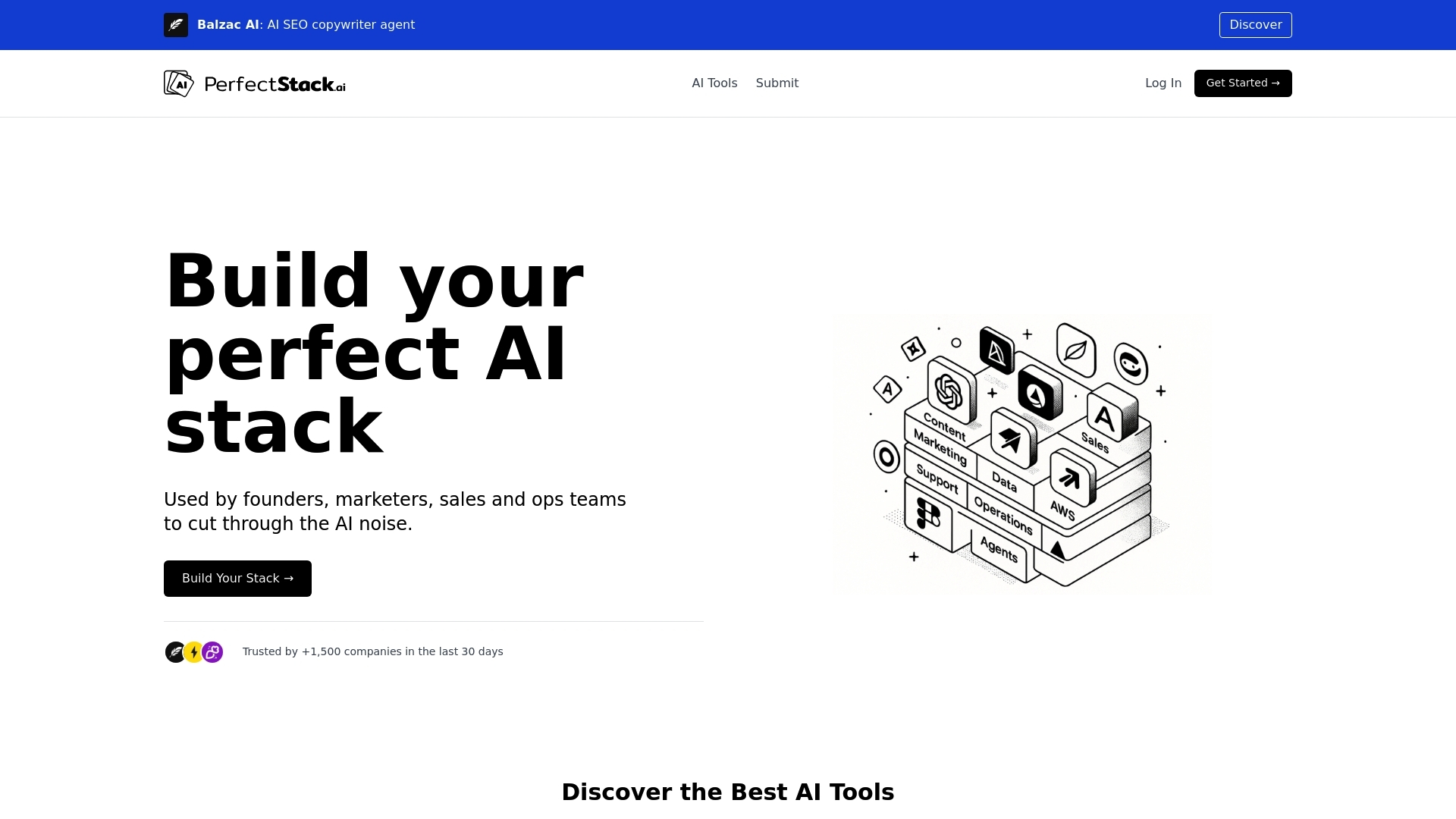
Small business owners often feel overwhelmed by the sheer number of online AI solutions available. PerfectStack.ai solves this by providing a well-organized catalog that minimizes research time. The platform categorizes thousands of AI tools by industry, business function, and specific use case so users can skip generic searches and go straight to what fits their needs.
Streamlined Browsing and Filtering
PerfectStack.ai offers fast filtering options like category, workflow, pricing model, and team size. For example, a user looking for AI tools for team communication can select the relevant category and narrow results by budget or integrations supported. This eliminates scattered research across multiple websites.
Clear Comparisons and Objectivity
Each tool entry comes with concise descriptions, main features, recent screenshots, and direct links for easy access. Users see differences between similar tools in a structured format and can compare essentials such as free trials, language support, and customer ratings. These standardized listings reduce bias and help quickly flag solutions that match priorities.
Evaluating Without Bias
User reviews on PerfectStack.ai help surface honest insights into user experience or support quality. Tools are continuously reviewed and updated to stay relevant for evolving needs in 2026. This approach avoids outdated directories and gives small businesses the confidence they are working with the latest and most effective AI options, all in one interface.
Browse Categorized AI Tools for Your Specific Needs
Once you know which business challenges matter most, the next step is to filter AI tools based on real-world needs. Structured directories help you skip irrelevant options and focus on categories that deliver immediate value.
Use Categories and Filters to Save Time
Modern AI tool directories (such as PerfectStack.ai) organize thousands of solutions into clear use cases. Filters quickly narrow your search. For example, you can pick categories like Content Creation for tools that generate marketing copy or social posts, Customer Support for AI chatbots and ticketing plugins, or Workflow Automation for services that link apps and automate tasks. Each category provides descriptions, sample use cases, and real user scores to guide selection.
- Content Creation: Tools like Jasper and Copy.ai rapidly generate blog posts, emails, and ad copy. Use filters to see video editors (Descript), graphic design (Canva AI), or voice narration (Play.ht).
- Customer Support: Chatbot builders such as Intercom or Freshdesk streamline responses and integrate across web and messaging channels.
- Workflow Automation: Connect services and automate repetitive actions with platforms like Zapier or Make. Filters surface advanced solutions for finance, HR, and sales process automation.
- Back Office Automation: Flokzu enables businesses to streamline workflows with AI-driven, no-code automation capabilities—ideal for reducing admin work in back-office operations.
To find niche categories, use keyword or tag-based searches—perfect for specific needs like appointment scheduling, analytics, or social listening. Directory features often display tools that are trending, new, or editor-picked, helping you avoid outdated or unproven solutions. By bookmarking interesting tools, you can revisit or compare them later as your business needs evolve.
Compare Features, Pricing, and Real User Reviews
Comparing AI tools for your business requires a clear process focused on core functionality, real-value integrations, pricing options, and unbiased feedback. Rather than relying on marketing claims, evaluate AI applications by how well their features solve your most urgent business needs.
How to Evaluate AI Tools Side by Side
- Features: List the must-have capabilities. For example, a content generation tool should support bulk exports, language options, and brand voice customization. Use platforms like PerfectStack.ai to scan tables that break down core features for each tool in a category.
- Integration Support: Check if the tool connects with the other software you use. Direct integrations with systems like Slack, Zapier, Salesforce, or Shopify reduce manual work and data silos.
- Pricing Models: Review pricing tiers clearly—including any free plans or trials. Compare monthly costs and user limits to ensure a solution stays affordable as your team grows. Most business-focused AI tools present their costs openly, like Jasper, Notion AI, or Canva.
- User Ratings and Reviews: Read verified user feedback. Focus on comments about reliability, support, and long-term performance to spot common benefits and issues. Tools on PerfectStack.ai are accompanied by concise, user-driven reviews and current ratings, giving a reality check beyond company promotions.
Organized platforms display these points side by side, so you can shortlist based on what matters most. By relying on unbiased reviews and structured product data instead of scattered research, you build confidence in your choices, control budget creep, and ensure any new AI tool delivers measurable value.
Save, Test, and Evaluate Shortlisted Tools
After you have filtered AI tools to a few promising options, use a structured process to judge which one fits your needs best. Saving, testing, and evaluating will help you avoid costly mistakes and pick a tool that truly supports your business goals. Here is a step-by-step approach designed for small businesses:
How to Effectively Trial and Score AI Tools
- Bookmark Your Shortlist: Use platforms like PerfectStack.ai to save tools so you can easily revisit and compare them. Bookmarking keeps your options organized and ready for side-by-side reviews.
- Take Advantage of Free Trials: Most reputable AI tools provide trial periods or demo environments. Sign up using your business email to unlock full features, not just limited demos. If trials are gated, request independent access from sales support.
- Apply Real Scenarios: Test each tool with live business tasks such as sending newsletters, answering support tickets, or creating sample content. Choose realistic use cases that represent your daily workflow.
- Document Results: Record your impressions for each tool using a simple spreadsheet or feedback notes. Track ease of use, time savings, compatibility with other platforms, support response, and output quality.
- Gather Team Feedback: Involve at least one team member from each key workflow area (marketing, ops, support) to trial the tool. Capture their input to surface usability issues early.
- Review Pricing and Scalability: Check if trial limitations differ from paid plans. Validate if the tool integrates with your existing stack and whether pricing aligns with the expected growth of your business.
Commit only after comparing performance, costs, and workflow fit. This practical approach minimizes waste and ensures your AI investment delivers returns from day one. For more advice and tips, explore the PerfectStack.ai blog.
Stay Updated: Trending Tools and New AI Features in 2026
Staying current with emerging AI tools and features is necessary for maintaining your business’s competitive edge. As AI technology evolves quickly, even the best solution can become outdated if you do not monitor industry shifts regularly. Fresh releases often introduce capabilities for security, automation, or integration that become standard expectations in your sector.
How to Stay Ahead of AI Trends
Use these practical steps to avoid falling behind in 2026:
- Track Industry News: Follow respected AI and tech news sources, including The Verge and TechCrunch, to spot important launches or product updates as they happen.
- Leverage Curated Directories: Structured directories, such as PerfectStack.ai, highlight trending tools, recent launches, and updates in one place. Sort by "New" or “Trending” to see solutions growing in popularity for your business needs.
- Subscribe to Relevant Newsletters: Newsletters like "Ben’s Bites" or "Exponential View" send weekly digests focused on actionable AI advancements.
- Monitor Social Media: LinkedIn and X (formerly Twitter) offer fast signals around new AI use cases or customer success stories, helping you identify what might work for your team.
Using PerfectStack.ai to Track New Solutions
Regularly checking PerfectStack.ai’s homepage or category filters lets you instantly see fresh additions and updated tool pages. The platform’s editorial review process ensures only active AI tools with relevant features appear in search, keeping outdated or defunct tools out of your shortlist. You can also browse popular trending AI tools to spot in-demand solutions fast.
By dedicating a brief, scheduled check-in each month, you avoid missing transformative updates or game-changing features. This routine allows you to experiment with new capabilities early, safeguard time investments, and keep business operations optimized for what 2026 brings.
Checklist: Avoid Common Pitfalls When Adopting AI
Small businesses that incorporate online AI tools often run into setbacks that delay or block success. Avoiding these mistakes ensures your investments bring measurable results and fewer surprises during adoption and scaling.
Practical Mistakes to Watch Out for When Rolling Out AI Solutions
- Skipping Needs Assessment: Not mapping tools to real business problems leads to unused subscriptions. Always define your main pain points before exploring new tools.
- Chasing Hype Without Evidence: Adopting trending or unproven tools can waste time and budget. Prioritize solutions with user reviews, proven integrations, and solid update history.
- Overlooking Security and Compliance: Failing to assess data privacy or industry regulations may cause breaches or legal exposure. Ensure tools meet your sector and regional requirements before adding business data.
- Poor Team Training: Rolling out software without staff training results in slow adoption and errors. Offer hands-on demos or share guides.
- Ignoring Integration Needs: Choosing tools that do not work with your current software will add manual steps and disrupt workflows. Confirm compatibility or available API support during your trials.
- No Pilot Testing or Feedback Loop: Committing without trial periods, real scenario testing, or staff feedback can lock you into unsuitable solutions. Leverage free trials and involve end users early.
- Unclear Budget Planning: Subscribing to multiple tools without total cost assessment causes waste. Track cumulative costs against their measurable productivity returns.
Reduce risk by using organized catalogs like PerfectStack.ai's AI Tools Directory to compare features, skim up-to-date user reviews, and avoid single-vendor bias. Document your process, keep the checklist accessible for reference, and revisit your selections as your needs shift or as new solutions become available.
FAQs: Choosing the Best Online AI Tools for Small Business
Small businesses often have questions as they sort through hundreds of AI products, weigh costs, compare features, and wonder how to future-proof their decisions. This section compiles the most common questions to clarify and guide the selection, evaluation, and adoption process for online AI tools in 2026.
How Can I Tell If an AI Tool Really Suits My Business?
Match specific pain points to a tool's features by writing down the main tasks you need to automate or improve. Use directories that offer filters, sample use cases, and category breakdowns. For example, using filters like budget, integrations, or business function on a platform such as PerfectStack.ai ensures top choices relate directly to your current workflow and needs.
How Do I Compare Different AI Solutions Fairly?
List the must-have requirements relevant to your use case, like language support or workflow integrations. Only compare tools side by side on core functionality, pricing, and credible user feedback, rather than on vendor descriptions alone. Rely on real user reviews and demo periods to assess performance against those requirements before making a commitment.
Are Free AI Tools Safe and Worth Using for Small Businesses?
Many free-tier AI tools deliver real value, including options from providers like Canva, Notion, or Zapier. Check for transparent documentation on privacy and data use, confirm the tool has active user reviews, and validate limitations in free plans before deploying for any sensitive process. Rely on structured directories to minimize the risk of outmoded or suspicious products.
How Can I Make Sure a New AI Tool Integrates With What We Already Use?
Review each tool's integrations page or documentation. Filter tools in catalogs by the software you already run, such as Slack, Shopify, or Google Workspace, and request integration support if it is not listed. Testing integrations during free trial periods prevents future workflow disruptions.
What Steps Should I Take Before Rolling Out an AI Tool to My Team?
- Start with a focused trial involving one or two team members.
- Document and review the impact on real business tasks.
- Prepare training or written guides from the tool’s own onboarding materials.
- Inform your team about data handling or changes in workflow to foster trust and smooth adoption.
How Do I Stay Ahead as AI Tools Evolve Throughout 2026?
Check curated directories monthly for updates. Follow reliable industry news and niche newsletters that announce new tool launches and features. Subscribe to updates or change alerts on key products you use via their in-app settings or public blogs. Use platforms like PerfectStack.ai's AI Tools page to get timely insights into trending or newly added solutions.
Which Common Pitfalls Should I Avoid When Choosing AI Tools?
- Skipping real-use trials before committing to paid plans
- Ignoring integration support and future cost scaling
- Choosing tools based only on advertised features, not verified outcomes
- Failing to review active user feedback or recent ratings
- Overlooking ongoing tool support and update cadence
The right AI tools can remove barriers to growth and save hours every week. A structured approach—guided by specific requirements, informed comparisons, and reliable sources—ensures your business continues to benefit from the best online AI solutions through 2026 and beyond.